

The AI assistant has become the default first tool for a lot of professionals, and that shift has happened across almost every part of the working day. The one obvious gap has been the trading account, which has stayed locked inside its own platform regardless of everything else moving into the conversation.
ChelseaAI closes that gap. Available now on ThinkTrader WebTrader, it connects ThinkTrader accounts to any MCP-compatible AI assistant through the open Model Context Protocol. Claude is the recommended starting point, but the integration works with any compatible client. Switch assistants and the ThinkTrader connection stays.
Previously, an AI assistant could help you think through a trade. With ChelseaAI, it can act on your instructions too.
Built on an open standard
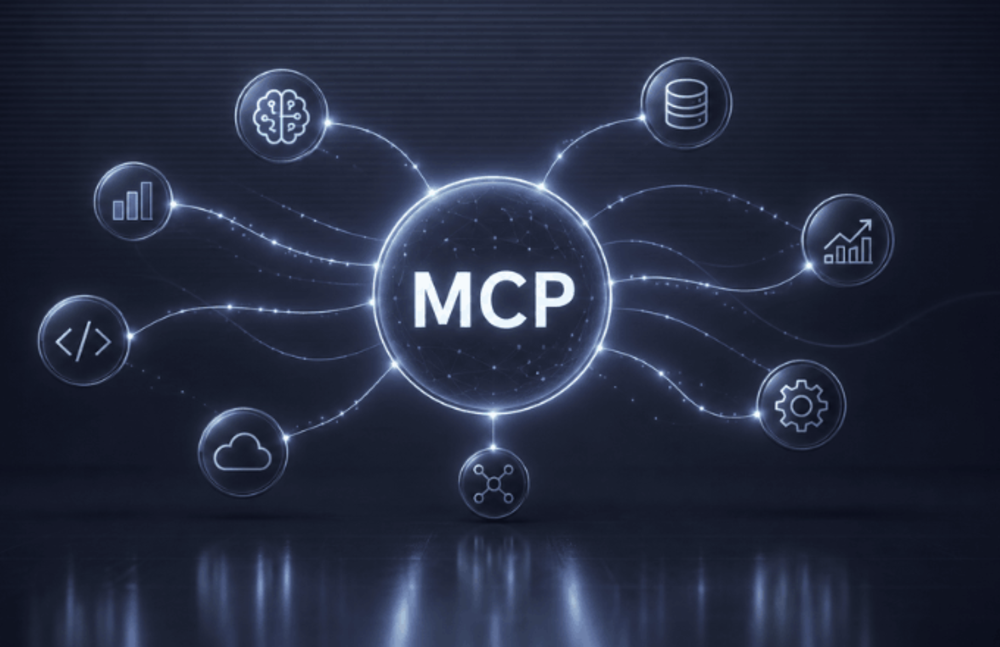
MCP is an open standard that defines how AI assistants connect securely to external systems, handling authentication, permissions, and data exchange through a consistent protocol rather than a proprietary handshake.
ThinkMarkets built ChelseaAI on it because the openness is the point. Most broker-side AI integrations connect the trading account to a named AI provider, which means the trader ends up adopting the broker’s choice of AI rather than their own.
ChelseaAI inverts that. A trader using Claude today can switch to a different MCP-compatible assistant tomorrow. The ThinkTrader connection stays. You keep using the AI you already use. Your trading account is just part of the conversation now.

The AI assistant has become a genuine part of the professional workflow
What ChelseaAI does
ChelseaAI gives traders access to 26 tools across market data, account information and order management, with more to come. Choose your access level and change it whenever you like. Revocation is immediate.
Read-only access
For traders who want full account visibility without any execution capability. You can see everything, change nothing.
- Live prices and market data
- Balances, equity and margin
- View open and closed positions
- Trading history
Full access includes everything above, plus:
For traders who want to manage their account entirely through the conversation. Every action still requires your explicit instruction.
- Place and manage market and pending orders
- Set or modify stop loss, take profit and trailing stops
- Partial or full position closure
- Cancel pending orders
Everything runs through the conversation you are already in. No platform to switch to, no separate module. Control stays with you throughout. ChelseaAI acts only when you instruct it. It does not trade on your behalf or run autonomously. Every action is recorded in your in-platform audit log with a full timestamp, so you always have a clear picture of exactly what has been done.
The one thing ChelseaAI cannot touch is your funds. Deposits, withdrawals and transfers are not accessible at any permission level.
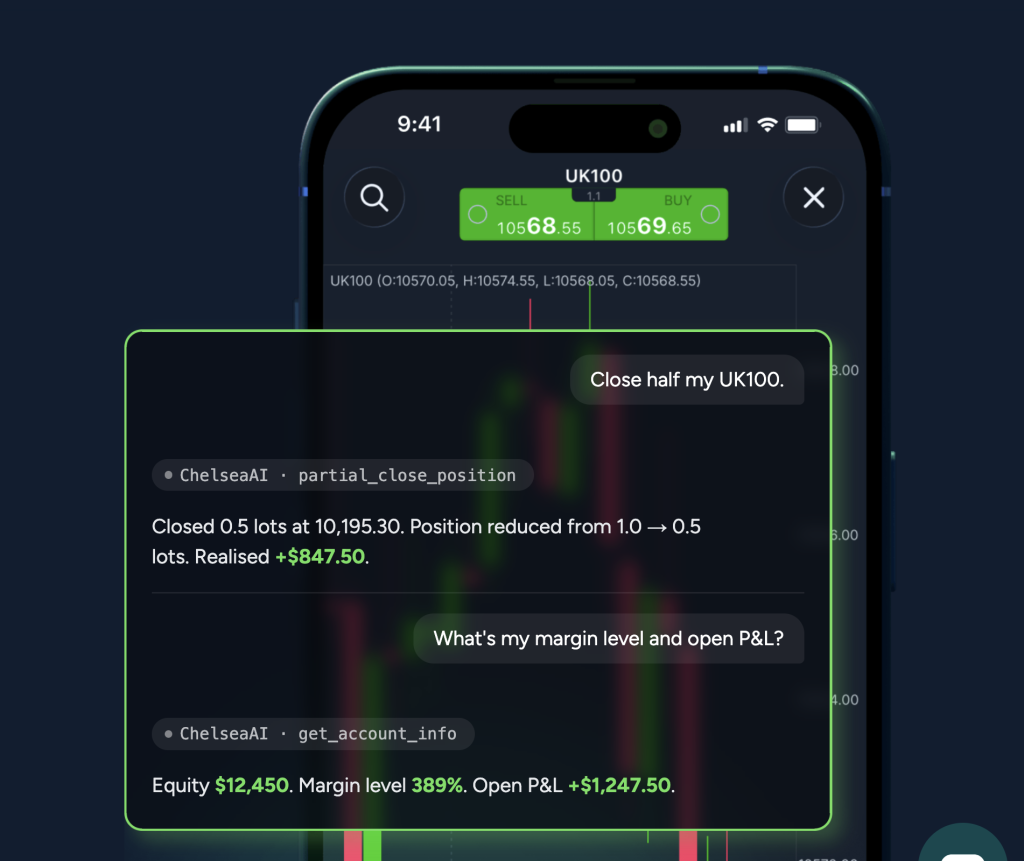
ChelseaAI in action
“Move my GBP/JPY stop to break-even, take profit at 250 pips.”
ChelseaAI modifies the position and confirms the new levels.
“What’s my current exposure across forex pairs?”
ChelseaAI pulls your open positions, groups by pair, returns a clean summary.
“Buy limit on EUR/GBP at 0.8550, expires Friday.”
ChelseaAI places the pending order and confirms level, expiry and protective levels.
Why this matters now
There is a practical reality to how traders work now that was not true five years ago. The AI assistant has become a genuine part of the professional workflow. For a growing number of people, research and analysis happen in the conversation before they happen anywhere else.
The trading account has been the obvious exception — until now.
How it has been integrated matters as much as the fact that it has. Building on an open protocol in a regulated environment, with the trader in control of permissions and a full audit trail of every action, reflects a deliberate position on what this kind of integration should look like. It belongs to the trader rather than to a named AI provider, and that is a meaningful distinction.
Most AI integrations in finance tether the account to a specific product. This one does not. The protocol is open, which means the trader’s choice of AI assistant stays theirs today and as the landscape shifts.
Getting started
Getting started takes under two minutes. Once a trader has signed up to ThinkTrader, all they need to do is head to ThinkTrader WebTrader, open their account settings, and select Connect MCP Client. From there, choose their preferred MCP-compatible AI assistant, set their access level, and confirm. If traders want to explore further before diving in, ThinkAcademy has a full collection of guides and step-by-step walkthroughs covering everything from the connection process to making the most of what ChelseaAI can do.